> For the complete documentation index, see [llms.txt](https://help.1024proxy.com/llms.txt). Markdown versions of documentation pages are available by appending `.md` to page URLs; this page is available as [Markdown](https://help.1024proxy.com/faq/payment-issues/where-can-i-view-and-download-the-invoice-after-purchase.md).

# Where can I view and download the invoice after purchase?

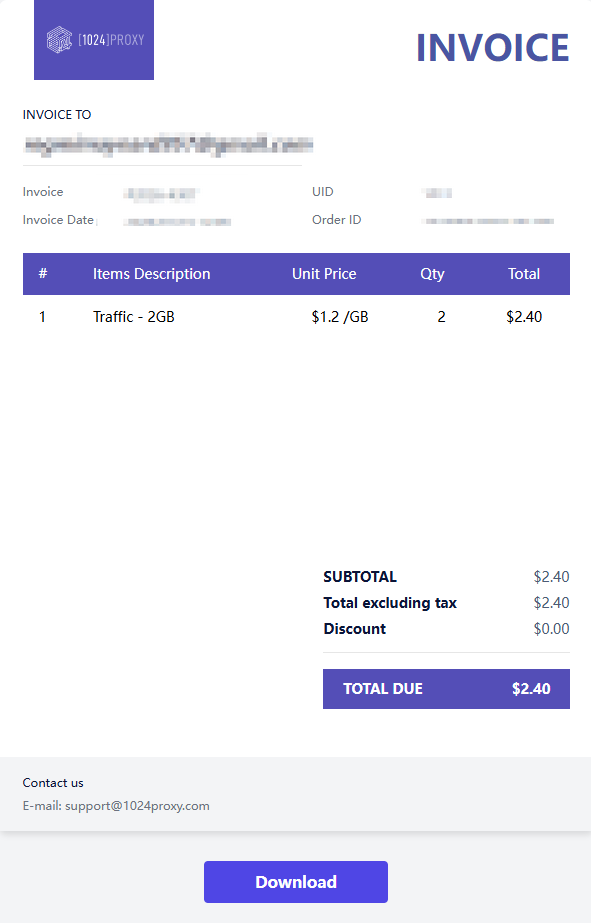
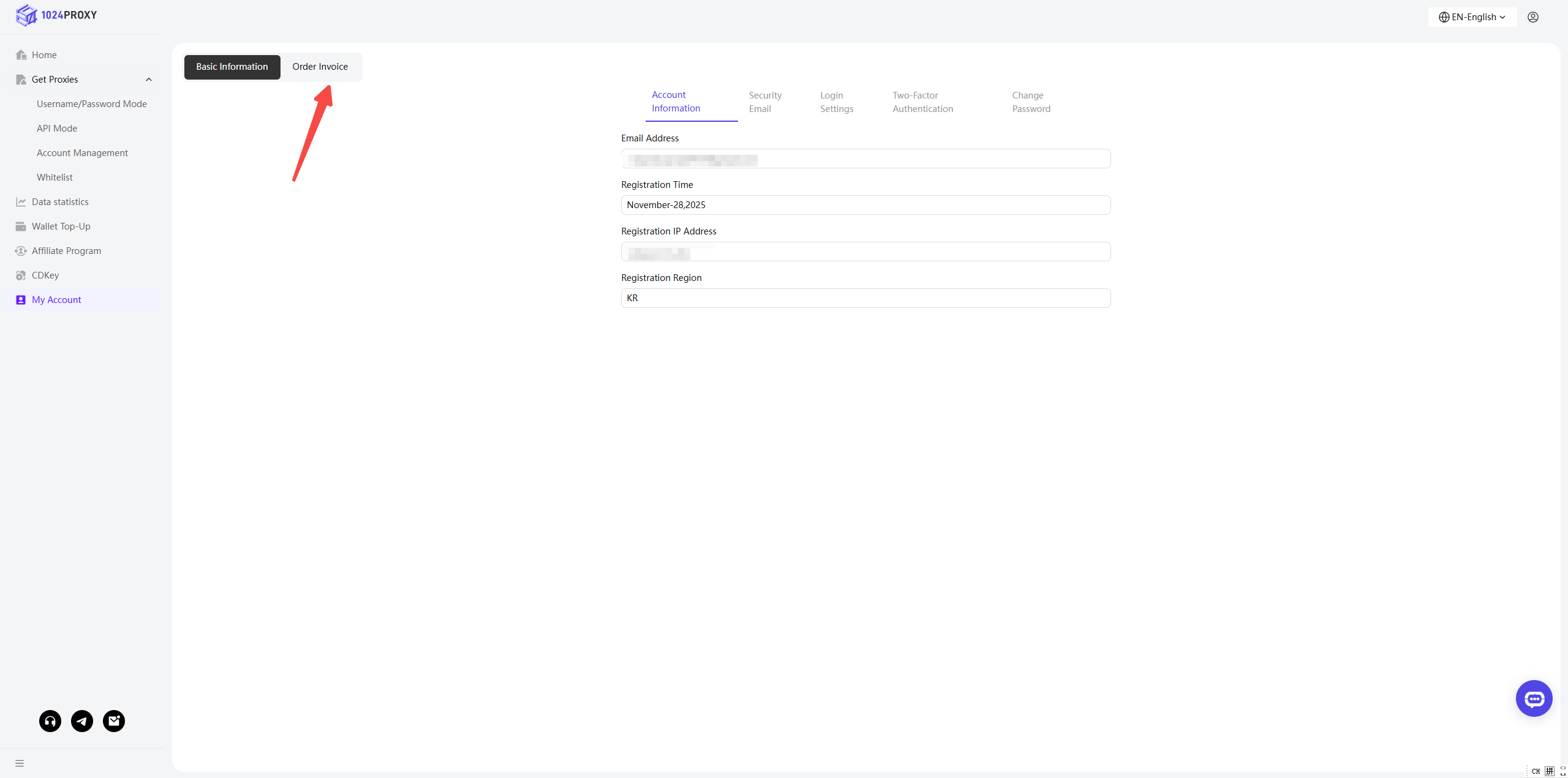
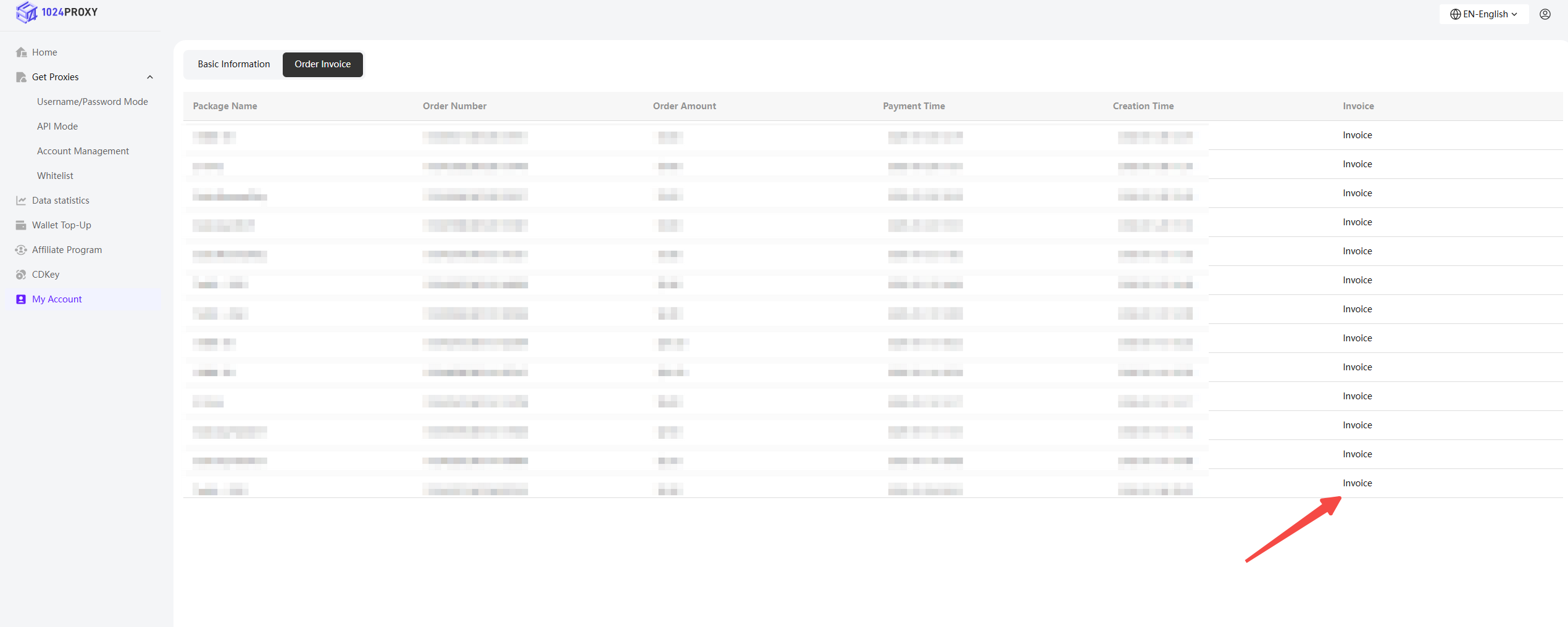
After purchase, you can view all your order information on the \[Console] - \[My Account] - \[Order Invoices] page. Select the order for which you need an invoice and click \[Download] to get the invoice for that order.
<figure><img src="https://2295534253-files.gitbook.io/~/files/v0/b/gitbook-x-prod.appspot.com/o/spaces%2FZmKo6oTzHow9Ets95QI8%2Fuploads%2F9rCcteZdTeEejuCaoiVi%2F%E6%94%AF%E4%BB%98-1.png?alt=media&amp;token=278c05b6-1817-40dc-8a4a-f576f6597d55" alt=""><figcaption></figcaption></figure>

<figure><img src="https://2295534253-files.gitbook.io/~/files/v0/b/gitbook-x-prod.appspot.com/o/spaces%2FZmKo6oTzHow9Ets95QI8%2Fuploads%2FyOefgJsqLSj2EGvUGH5m%2F%E6%94%AF%E4%BB%98-2.png?alt=media&amp;token=628014e7-b297-466e-b398-8a1092942416" alt=""><figcaption></figcaption></figure>

<figure><img src="https://2295534253-files.gitbook.io/~/files/v0/b/gitbook-x-prod.appspot.com/o/spaces%2FZmKo6oTzHow9Ets95QI8%2Fuploads%2Fw5RpwsM4NBFKhpTqaLQG%2F%E6%94%AF%E4%BB%98-3.png?alt=media&amp;token=051ddb98-8228-416b-a1c2-cc1e34a66a2c" alt=""><figcaption></figcaption></figure>