> For the complete documentation index, see [llms.txt](https://help.1024proxy.com/llms.txt). Markdown versions of documentation pages are available by appending `.md` to page URLs; this page is available as [Markdown](https://help.1024proxy.com/integrationtutorial/fbt/how-to-set-up-1024-proxy-in-hidemium-browser.md).
# How to Set Up 1024 Proxy in Hidemium Browser
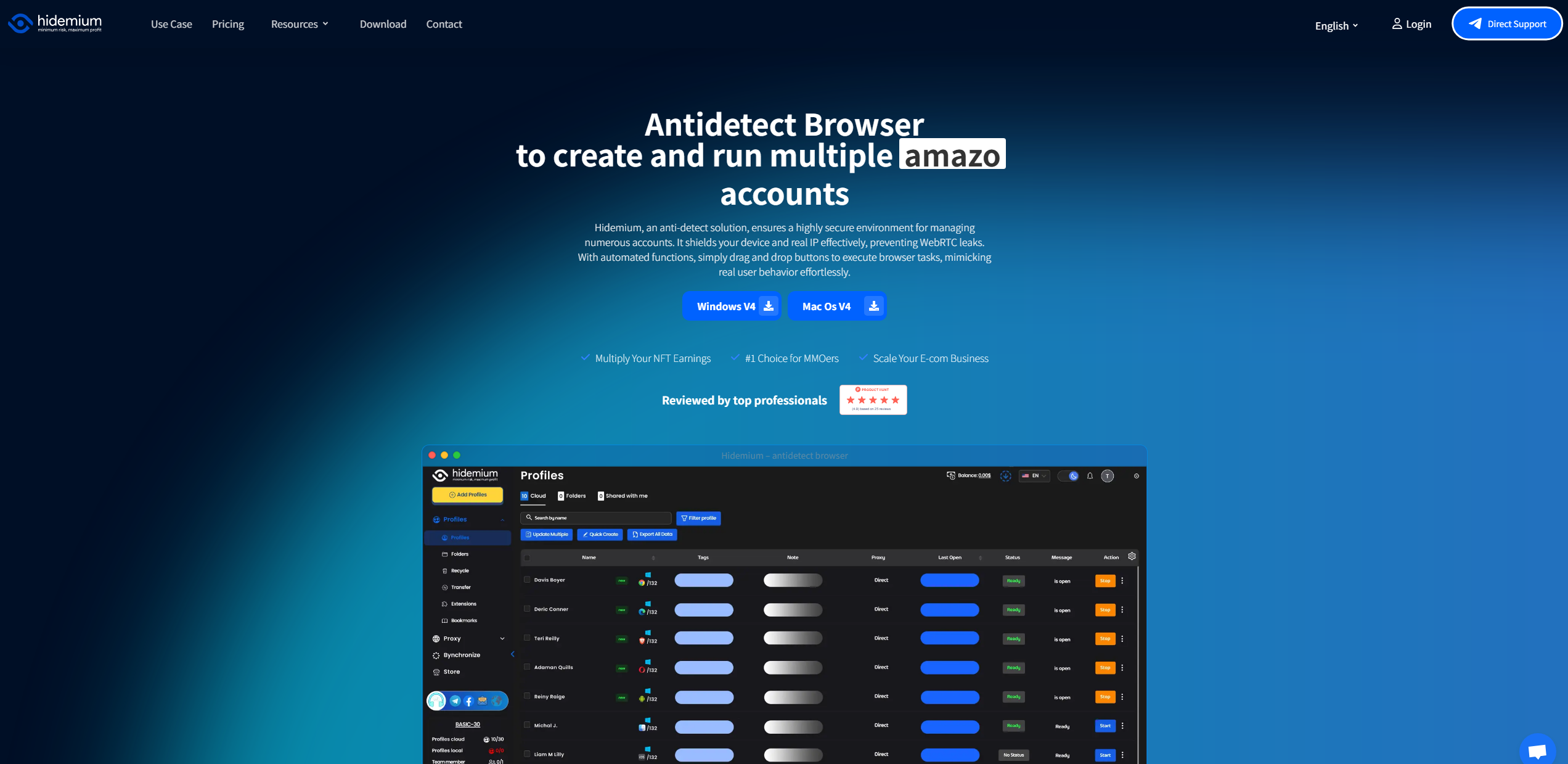
### Download Hidemium and complete the setup
Download link:
{% stepper %}
{% step %}
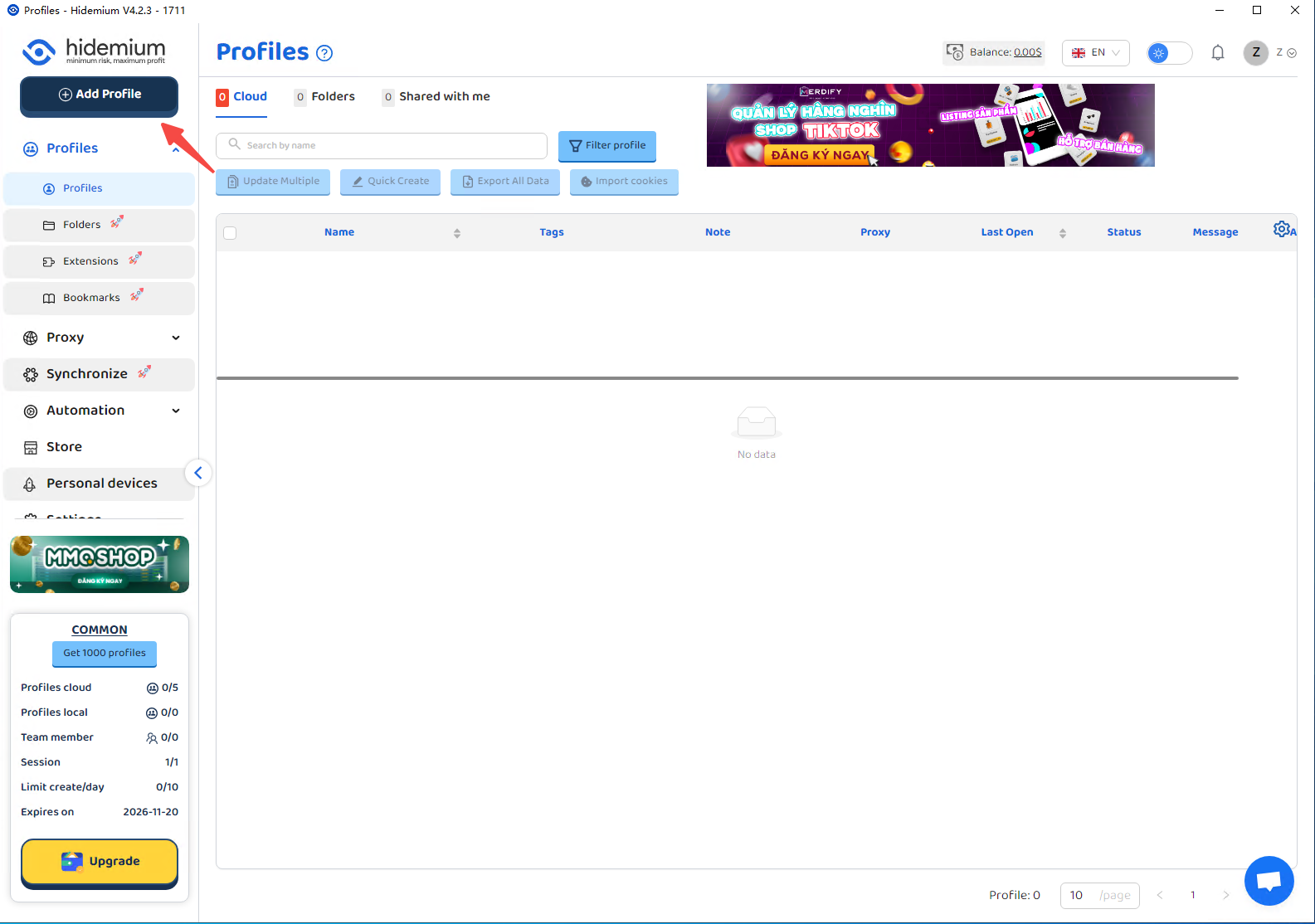
### Create a new window
Click “Add profiles” to create a new anti-detection browser profile.
{% endstep %}
{% step %}
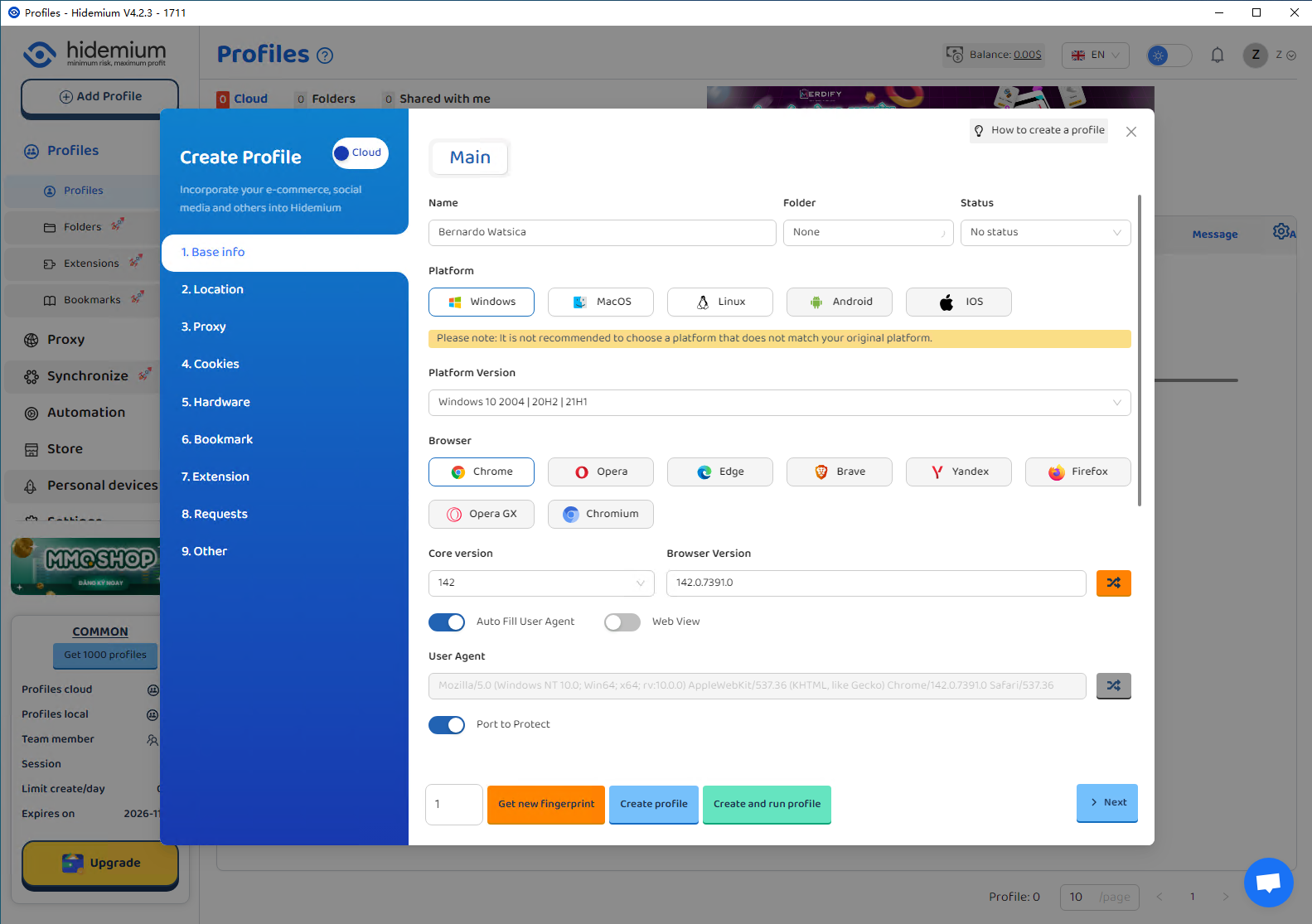
### Complete the basic information setup
Enter the required profile information, then click the Proxy tab.
{% endstep %}
{% step %}
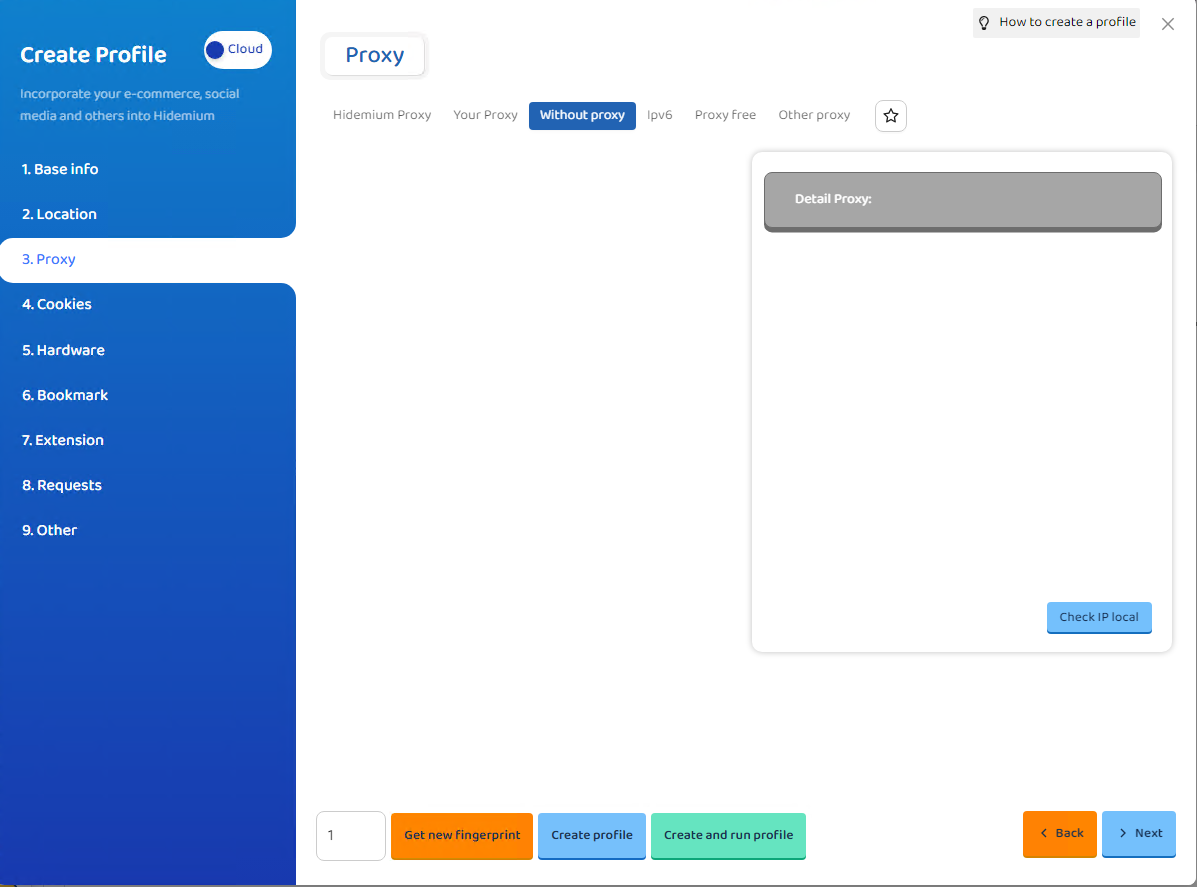
### Import the 1024Proxy details
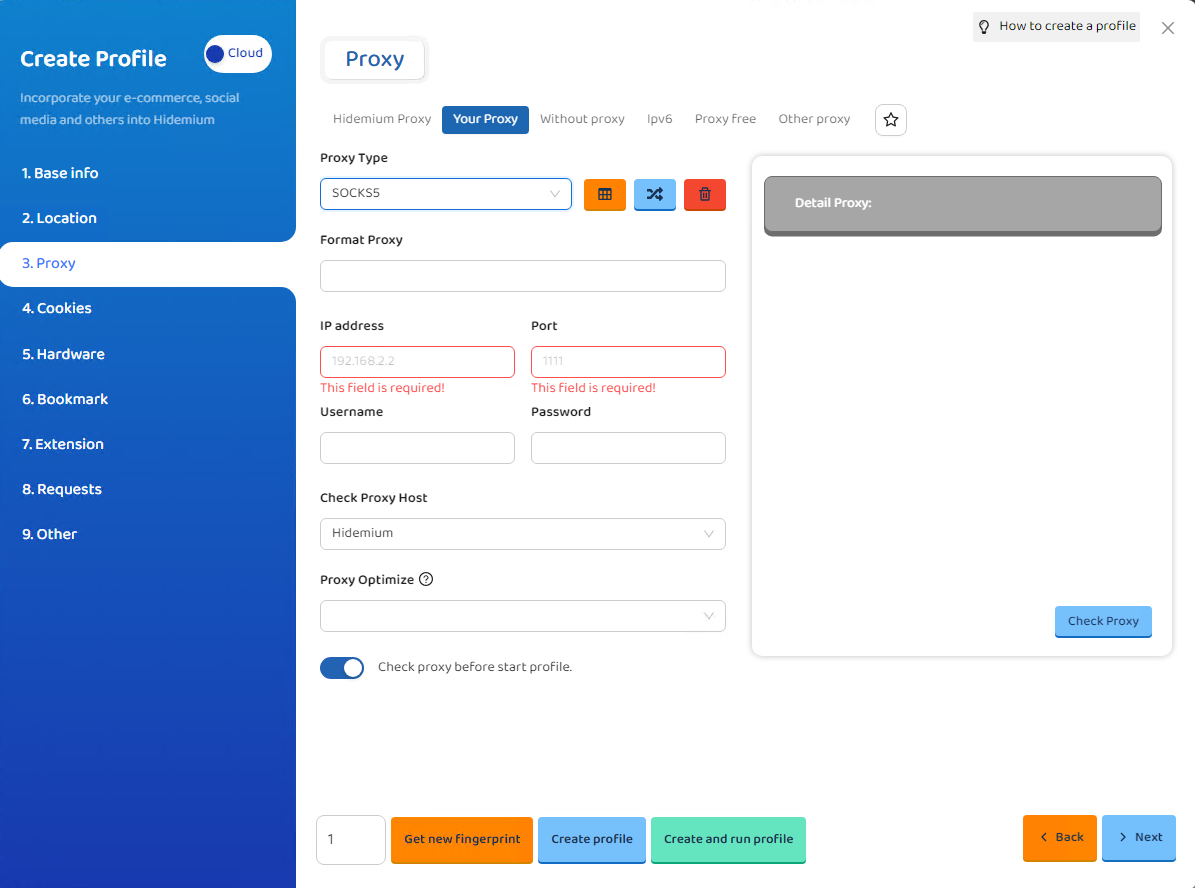
Select YourProxy → choose SOCKS5.\
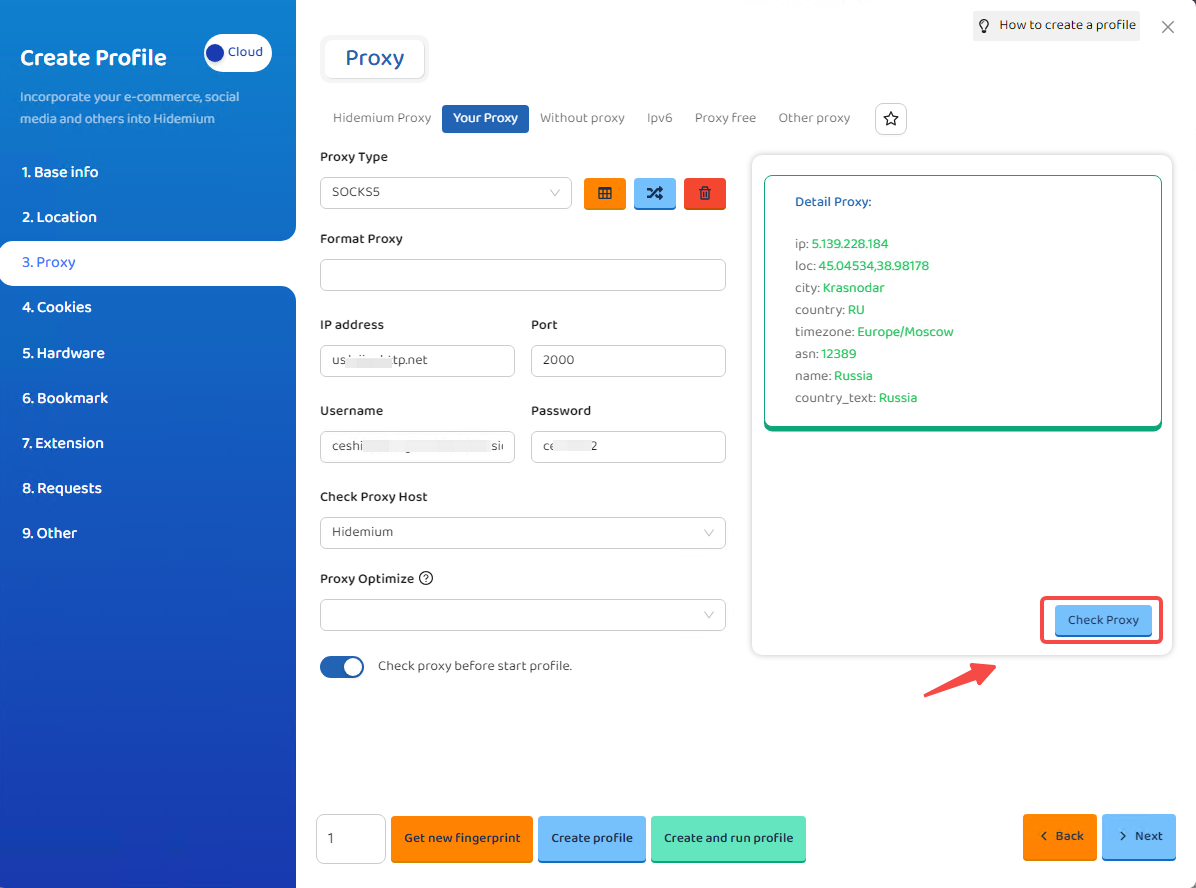
Fill in the proxy details from the 1024Proxy Dashboard into:
* IP Address
* Port
* Username
* Password
{% endstep %}
{% step %}
### Test the proxy
Click Check Proxy to test the connection.\
If the result shows green, the proxy is successfully connected.
Your proxy setup is now complete. Simply click “Create Profile” to generate a fingerprint browser window. You may also click “Next” to continue configuring any additional parameters you need.
{% endstep %}
{% endstepper %}